How it works
A little help for your week. Find an angle, make the words yours and build a posting rhythm you can keep.
“What should I post?” Get inspiration and original posts ready for you to post. Launchpost turns your business context, a customer question or a rough thought into drafts in your voice.
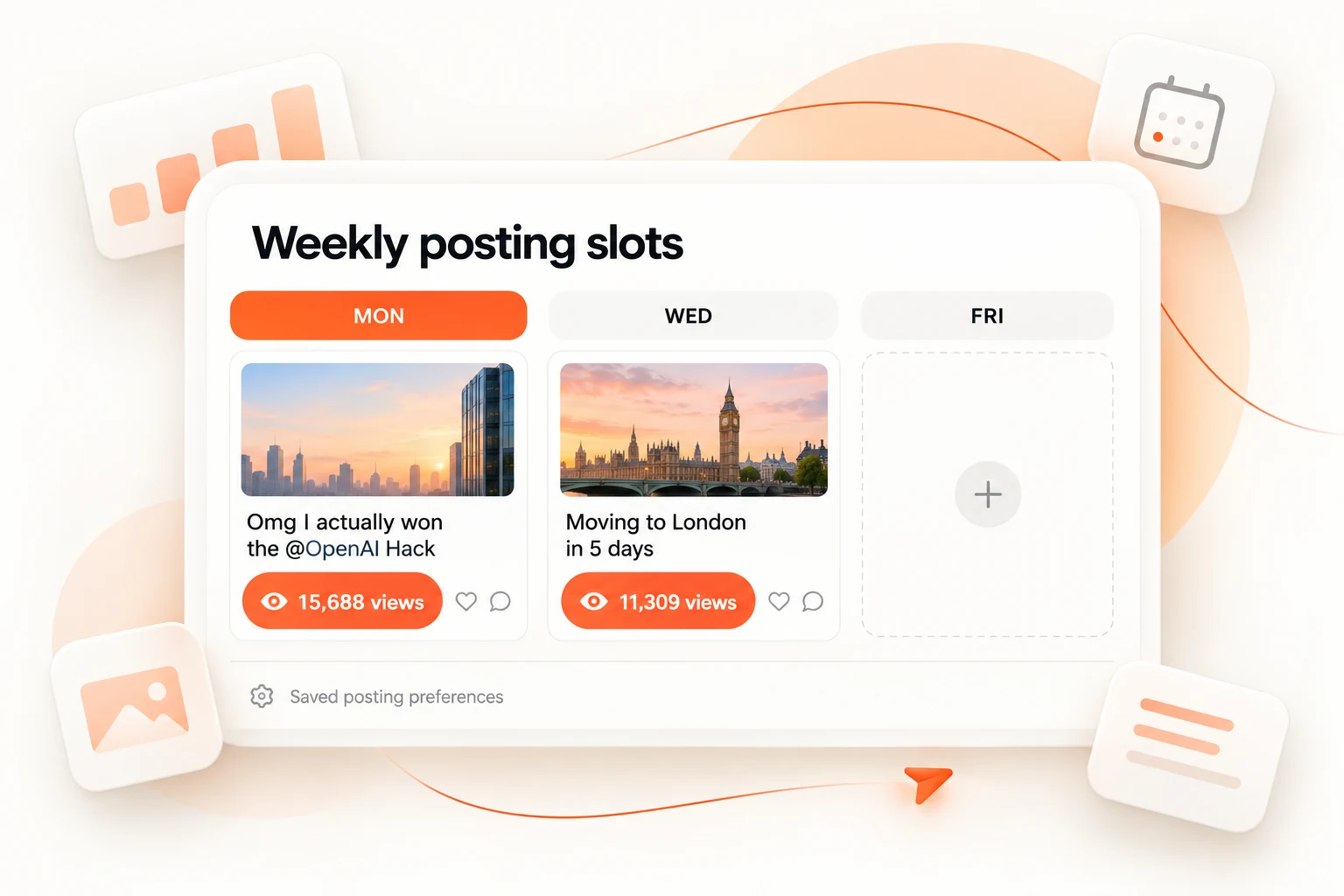
Your saved business context Ideas ready for your review Drafts you can make your own ⤷ “How do I keep up?” Give posting a place in your week. Save your preferred days and times, review the exact draft, and schedule it in your publishing calendar for a connected account.
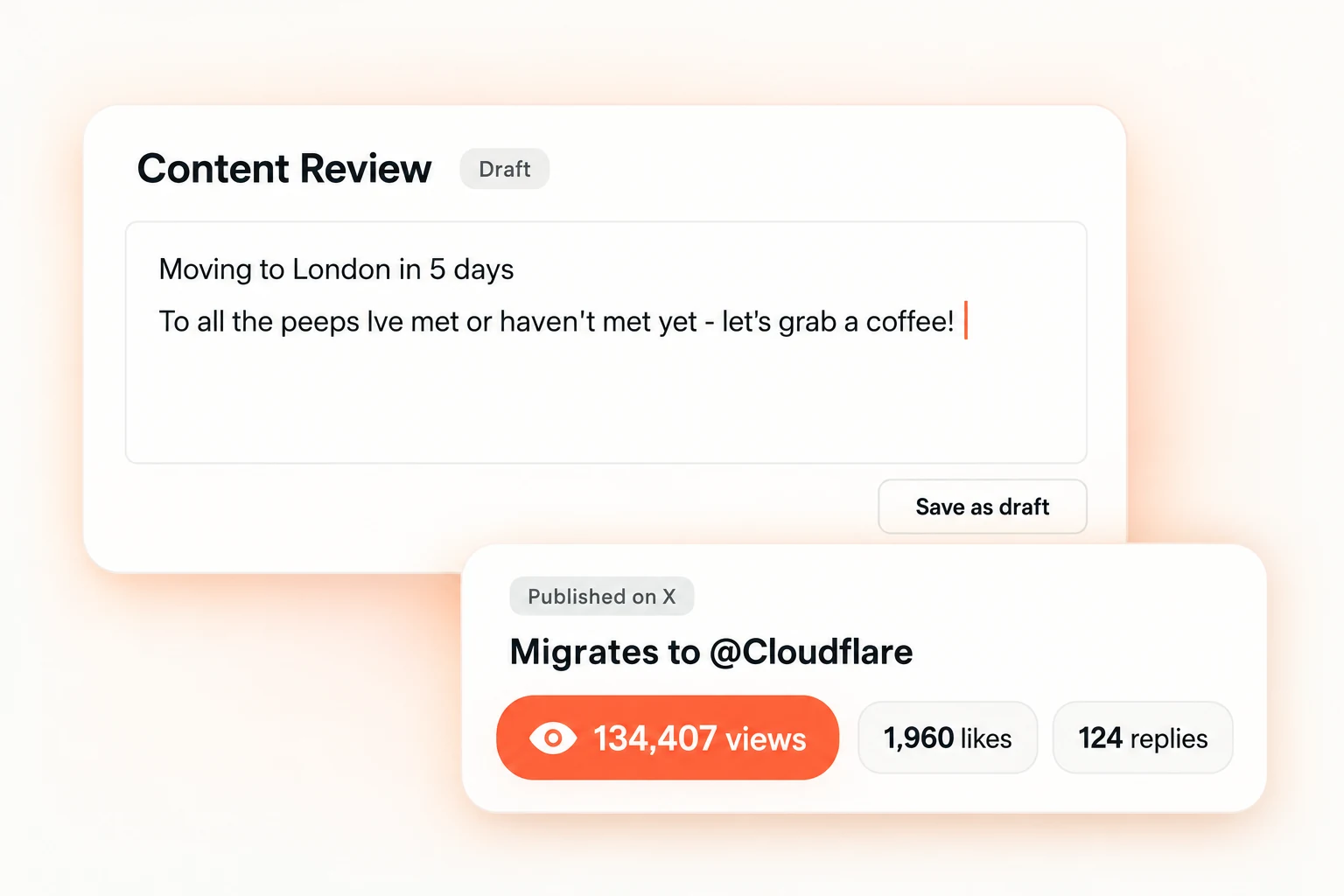
Save your weekly posting slots Approve the exact draft Review your calendar ⤷ “Does this sound like me?” Your experience supplies the substance. Use Launchpost to explore an angle, edit the wording yourself and review the final post before publishing.
Start with your own words Work through it with Launchpost Keep the final say ⤷ Works where you work
Your content.Your AI workspace. Bring Launchpost into the conversation. Work on ideas, drafts and your publishing week through MCP.
Via ChatGPT MCP client setup Explore an idea with your context, then save it as a draft.
Via Claude MCP client setup Work through the angle and refine the words before review.
Via Hermes Custom MCP setup Bring your own agent to your context, drafts and next post.
Via Muse Custom MCP setup Keep ideas and your publishing rhythm together.
Connect with MCP ↗ The Inspiration tab
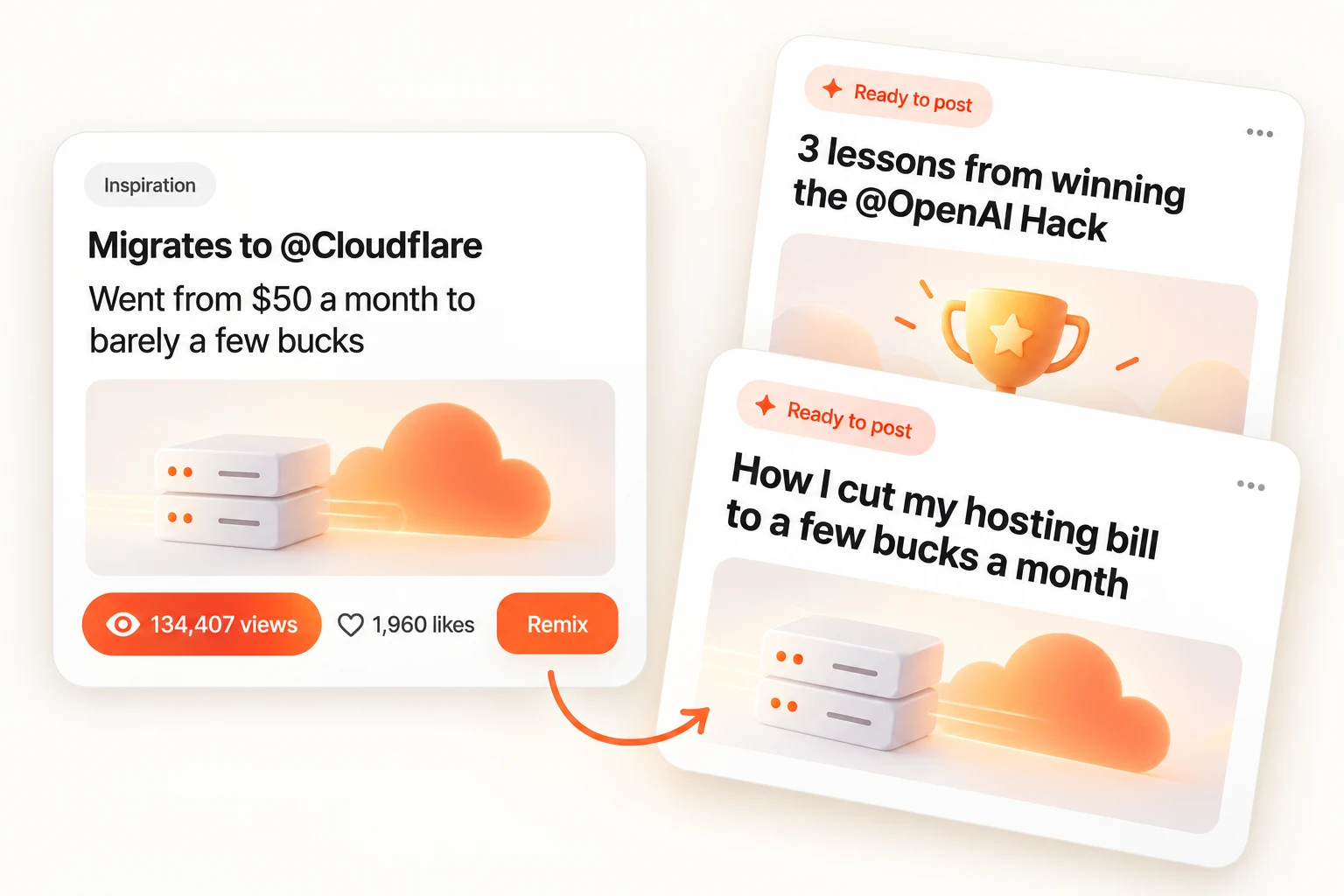
Find a post that worked.Make the angle yours. Explore high-performing X posts, then use Remix to turn a useful starting point into a draft shaped by your own context and voice.
Find your spark. Explore posts worth learning from.Choose your angle. Bring your experience to the remix.Make it yours. Review and edit before saving the draft.Explore Inspiration → Real posts, ranked by views as of 25 Oct 2026. Your remix starts with your own perspective. One workspace. Your channels.
Post everywhere you are. Connect the channels you already use. Bring your ideas, review the words and manage your publishing week in Launchpost.
Get started for free → One post. Every profile you publish to, without rewriting it each time.
Tom Mann @TomasMann1878 I build with agents and share what I learn along the way.
Tom Mann Posts and company pages Your post, ready to publish here.
Tom Mann Photos and reels Your post, ready to publish here.
Tom Mann Video publishing Your post, ready to publish here.
Tom Mann Community posts Your post, ready to publish here.
Tom Mann Pins Your post, ready to publish here.
Tom Mann Page posts Your post, ready to publish here.
Tom Mann Short posts Your post, ready to publish here.
Tom Mann Short video Your post, ready to publish here.
Built by someone who posts
Hey, I’m Tom. I build with agents and share what I learn along the way. Launchpost brings ideas, drafts, review and publishing into one workspace.
Bring your business context, work on your next post and review the exact words before they go out.
Get started for free → @TomasMann1878 on X ↗ Find your next chapter. A workspace for your words, ideas and plans.
Pro 50% off £30.00 £15.00/month
Get started for free
3-day free trial. Then £15.00/month for Pro. Cancel before renewal to avoid a charge. One trial per account.
Full LaunchPost and Launchpost Telegram access.
✓ Full LaunchPost app access✓ Launchpost Telegram assistant accessGot questions? What is LaunchPost?+ LaunchPost helps you turn business knowledge into social posts, then review and schedule them from one workspace.
What does Launchpost help me do?+ Find an angle, work on a draft and organize your posts. Your saved business context helps shape the writing.
Who can use LaunchPost?+ Founders, consultants and teams who want a place to draft and review posts about their work.
Do I need a connected social account?+ You can work on drafts first. Connect a supported destination in Settings when you are ready to publish.
How do I sign in?+ Use the Google sign-in button to open your LaunchPost account. Social publishing accounts are connected separately.
Will posts go out without my review?+ Review and approve the exact text before scheduling or publishing. You stay in control of what you share.
Where can I publish?+ Publish to the available destinations listed on this page. Account settings show which connections are configured for you.
Can I write from my phone?+ Yes. Use LaunchPost in your mobile browser or connect Launchpost on Telegram. You do not need to install a native LaunchPost app.
Can I keep my own writing style?+ Add your business context and writing preferences, then review and edit the draft until it sounds like you.
Can I connect an agent?+ The connection flow supports Telegram and MCP tools, including Claude, ChatGPT, Codex and Cursor.
How does the free trial work?+ The checkout offers a 3-day trial. Your chosen plan renews monthly at the displayed price unless you cancel before renewal.
Ready to get started? Your ideas, drafts and publishing week. Together in Launchpost.
Get started for free → Launchpost